

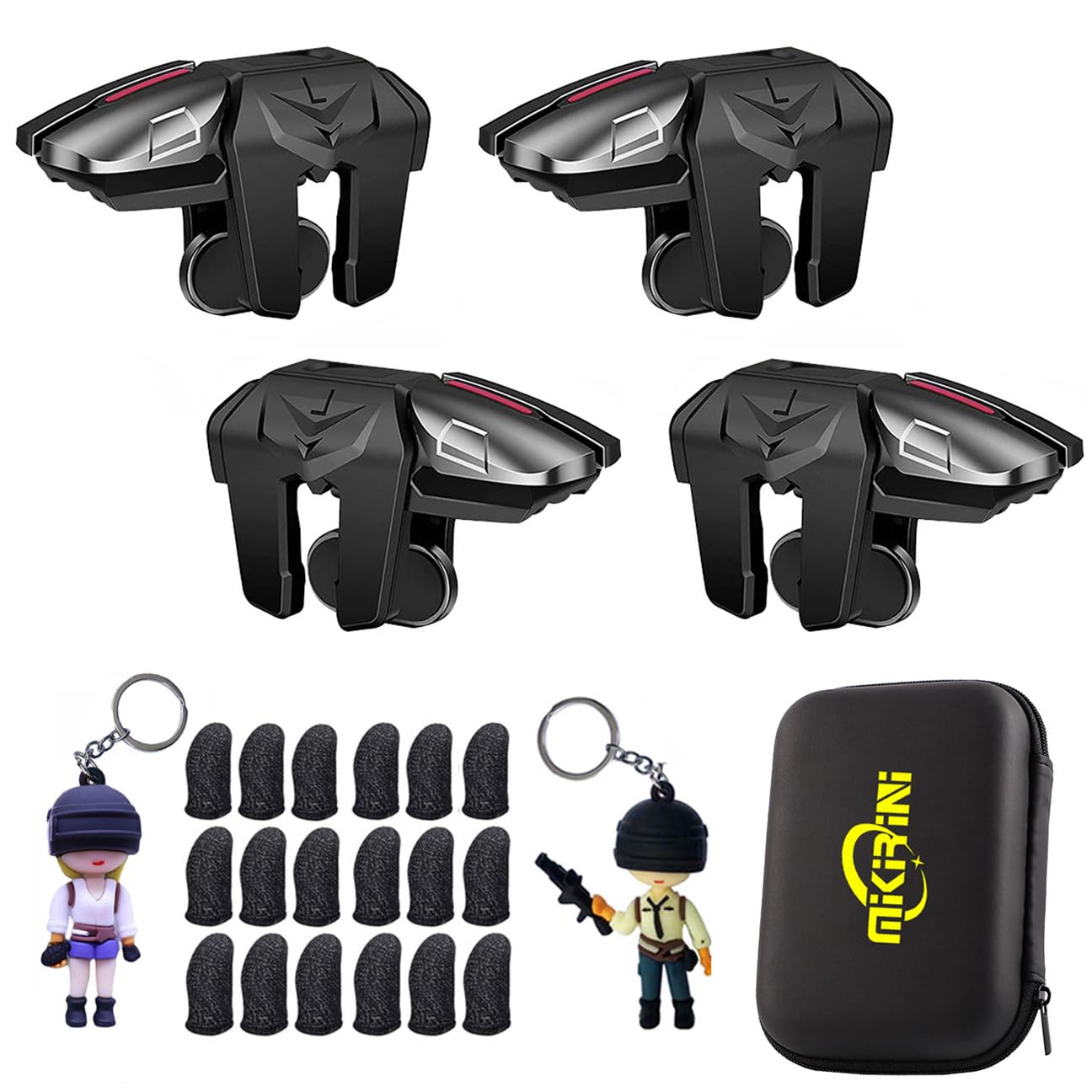
BoxWave Gaming Gear Compatible with Apple iPhone 13 Pro Max - Touchscreen QuickTrigger Auto, Trigger Buttons Autofire Gaming Mobile FPS - Jet Black
$24.95
Price when purchased online
Free shipping
Free 30-day returns
Sold and shipped by fuzzyfablefactory.com
We aim to show you accurate product information. Manufacturers, suppliers and others provide what you see here.
$24.95
Price when purchased online
Free shipping
Free 30-day returns
Sold and shipped by fuzzyfablefactory.com
Free 30-day returns Details
Product details
| Management number | 217177572 | Release Date | 2026/04/19 | List Price | $9.98 | Model Number | 217177572 | ||
|---|---|---|---|---|---|---|---|---|---|
| Category | |||||||||
- 🎮 [Gaming Advantage] BoxWave Gaming Gear Compatible With Apple iPhone 13 Pro Max. Auto Trigger technology enables COMPETITIVE dominance in mobile phone gaming. With a long lasting battery, tactile feel, and electronic "firing" pulses, gamers gain more focus and keep an edge over other players, longer. Simply optimize the button placement, and enlarge the thumb button area to start winning! **Please note this is for the left trigger only.** 💬 Includes limited 3rd party tech
- 🔫 [Game Compatibility] Best use for games like PUBG Mobile, Call of Duty Mobile, Fortnite Mobile and other mobile shooting games. QuickTrigger Auto boasts 4 settings with up to 64 CLICKS per second, offering more versatility to the player; allowing users to use non-automatic weapons as if they were automatic.
- ⚡ [Electronic] QuickTrigger Auto is equipped with pulse-touch technology, simply HOLD down left button for CONTINUOUS tapping. Charge and connect effortlessly! Eliminate trigger finger burnout, and the competition.
- 💼 [Convenient] EASILY CHARGE and snap-on for whenever you want to game, wherever. The QuickTrigger Auto boasts long battery life, powering you through even the toughest of sessions. Small enough to travel anywhere without bulk.
- 🔦 [How to use] 1. Put the joystick in from the top of your iPhone 13 Pro Max, adjust it to the appropriate position, and hold the power button to start. 2. Choose the setting INTERFACE in the game, and move the firing icon and aiming icon to the functional touch point to play.
Bestseller ranking
Triggers


Customers who viewed this product also viewed
Rolls




Correction of product information
If you notice any omissions or errors in the product information on this page, please use the correction request form below.
Correction Request Form